In this age of AI, Markdown is highly valued for its simplicity. It is easy for both humans and machines to read, and it helps LLMs understand document structure better than HTML or DOCX. In this guide, we will show how to convert HTML to Markdown in Python programmatically using Aspose.HTML for Python via .NET. This SDK offers enterprise‑level features for automating webpage conversion and manipulation. Let’s get started.
HTML to MD - SDK Installation
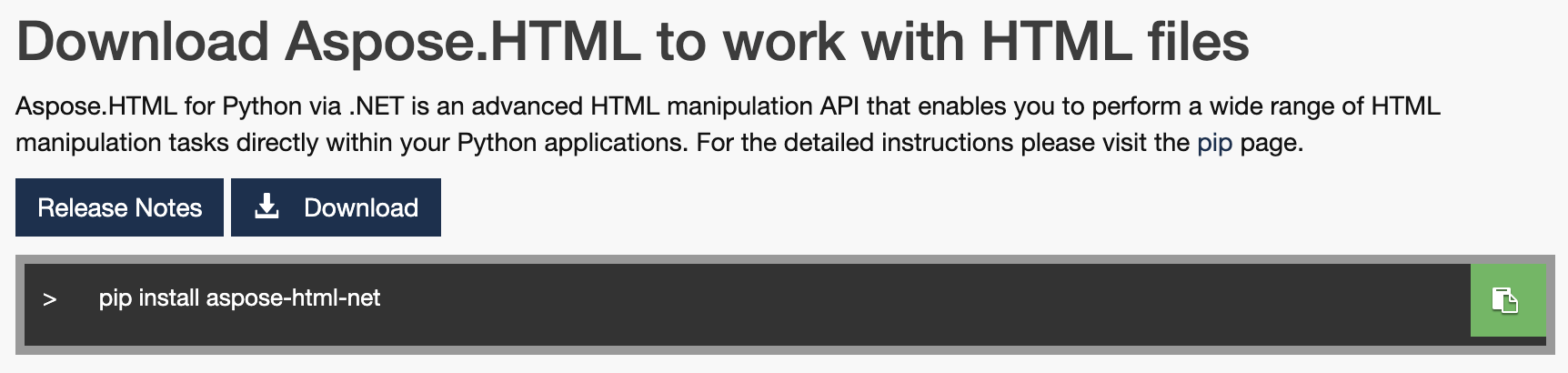
It’s straightforward. Run the following command in your terminal to install Aspose.HTML for Python via .NET:
pip install aspose-html-net
Prefer not to use the terminal? Download the SDK from this link.
Convert HTML to Markdown in Python - Code Sample
This section demonstrates how to convert a webpage to Markdown programmatically.
Steps:
- Import the required modules.
- Create an
HTMLDocumentobject with the source HTML file. - Instantiate a
MarkdownSaveOptionsobject. - Call the
convert_htmlmethod to perform the conversion.
The code sample below automates the conversion in your project. Converting HTML to Markdown in Python is simple with Aspose.HTML for Python via .NET.
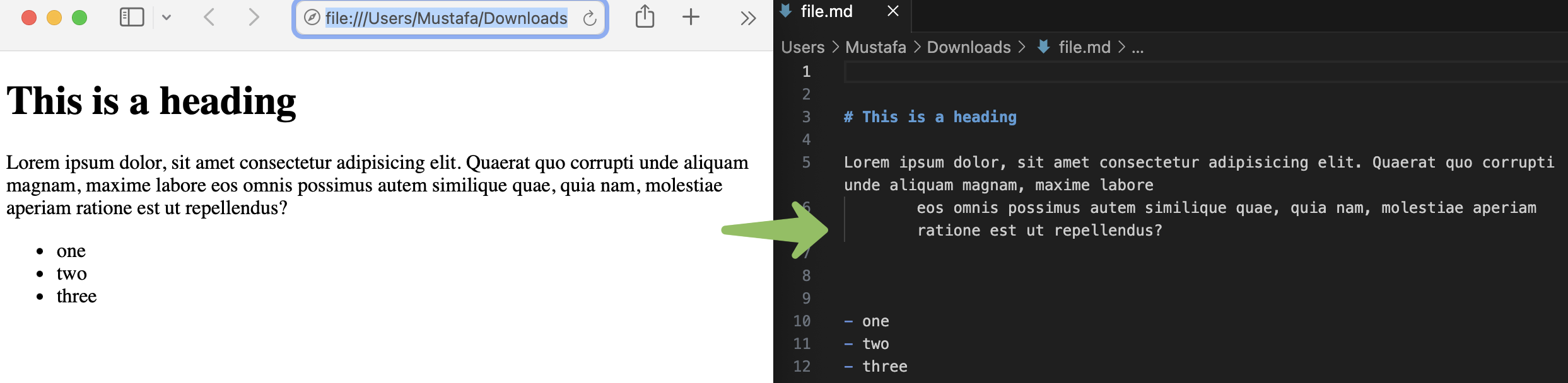
Output:
Get a Free License
Avail a free temporary license to try this Python SDK beyond evaluation limits.
Ask a question
Have questions? This forum will answer all your queries.
Conclusion
We have covered the basic conversion workflow. For advanced options, explore the Developer’s guide. Numerous classes and methods can handle more complex scenarios. You now know how to convert HTML to Markdown in Python using this powerful SDK. Visit the API reference to add more features to your converter.
Additionally, Aspose.HTML offers a free online tool for HTML to MD conversion.